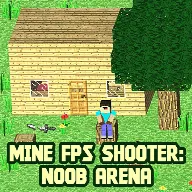
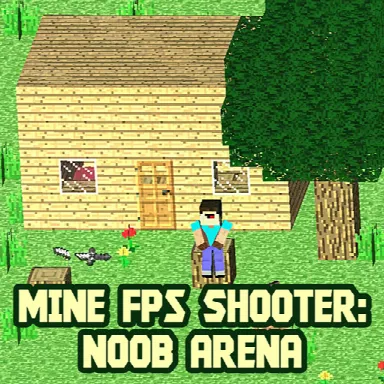
Mine FPS shooter: Noob Arena
A little challenge. A lot of fun.
Free to play · Mouse or touch
Mine FPS shooter: Noob Arena
Action · Mouse & touch · 1 plays
How to play
Keyboard/Mouse Control: TAB - Menu WASD - Movement Left mouse button - shooting Right mouse button - reload 1-7 - Weapon selection Mobile control: Left side of the screen - Movement Right side of the screen - Look around Automatic shooting
Your next obsession
Explore all games



About Mine FPS shooter: Noob Arena
Enter dynamic arenas packed with relentless enemies, each wave more challenging than the last! Equip yourself with 7 different weapons and 5 types of armor to face off against diverse foes. With unique square graphics and three arenas to conquer, gear up for the ultimate boss battle at the end!
How to play
Keyboard/Mouse Control: TAB - Menu WASD - Movement Left mouse button - shooting Right mouse button - reload 1-7 - Weapon selection Mobile control: Left side of the screen - Movement Right side of the screen - Look around Automatic shooting
Open full-window playerQuick answers
Is Mine FPS shooter: Noob Arena free to play?
Yes. Mine FPS shooter: Noob Arena is free to play on MiniLoop. It runs in your browser, with nothing to install and no account needed to start.
How do I play Mine FPS shooter: Noob Arena?
Keyboard/Mouse Control: TAB - Menu WASD - Movement Left mouse button - shooting Right mouse button - reload 1-7 - Weapon selection Mobile control: Left side of the screen - Movement Right side of the screen - Look around Automatic shooting
Can I play Mine FPS shooter: Noob Arena on my phone?
Its publisher lists Mine FPS shooter: Noob Arena as mobile-friendly, so it should play on phones and tablets as well as on a computer.